For more than twenty years Celestis has assisted people from all over the world celebrate, honor, and remember lives dedicated to exploration, adventure, passion, and humanity’s presence among the stars.
If you’ve ever longed to travel in space, or stepped outside on a starry night and felt at home, we invite you to consider one of the following memorial spaceflight services for yourself or a loved one.
Participant family members awaiting liftoff. Launch Day, Centennial Flight
A Dream Fulfilled
Track Your Loved One In Space
Celestis provides an easy-to-use tracking tool that lets family and friends track the mission's progress as the Celestis satellite orbits the Earth or makes its way into deep space.
Create and plan additional remembrances and celebrations as the spacecraft orbits overhead or reaches key locations.
The Earth Rise service affordably launches a symbolic portion of cremated remains or DNA to space. After experiencing the zero gravity environment, the individual flight capsules and modules are returned to Earth and delivered to the family as a flown keepsake
The uniquely compelling Earth Orbit service places the Celestis spacecraft carrying cremated remains or DNA into orbit where it remains until it re-enters the atmosphere, harmlessly vaporizing like a shooting star in final tribute.
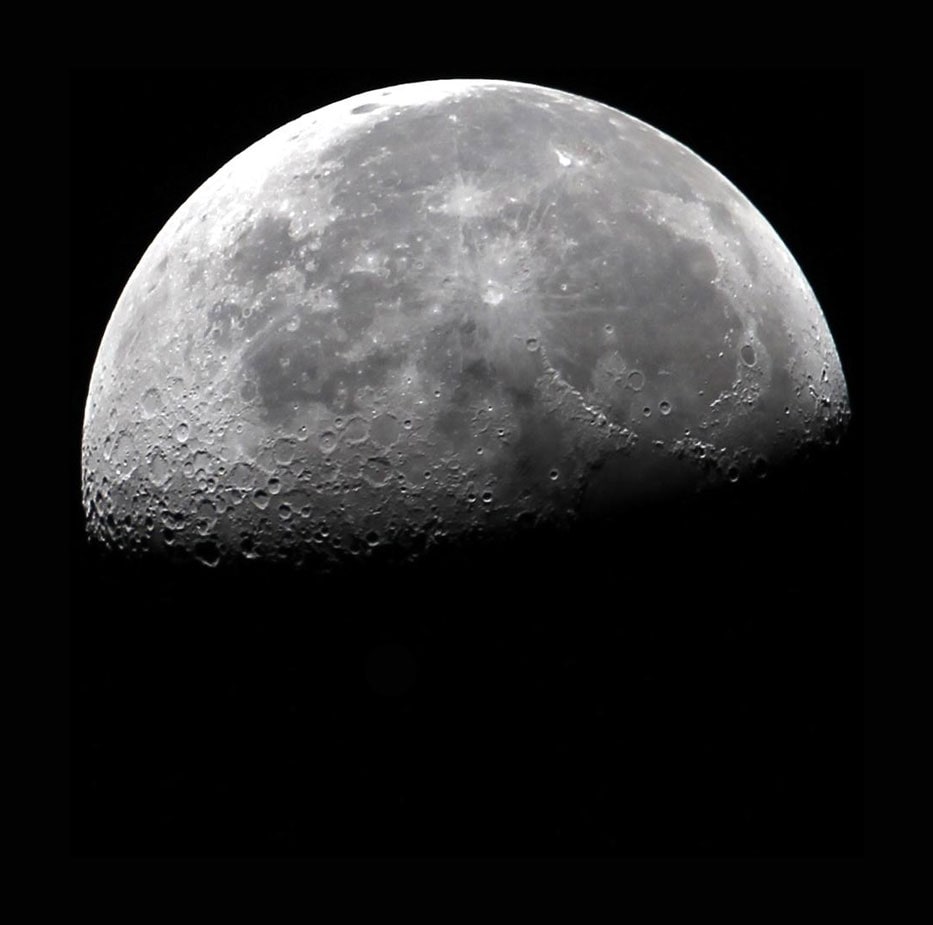
Our Luna Service delivers a Celestis spacecraft carrying cremated remains or DNA into lunar orbit or onto the Moon’s surface, establishing a lasting tribute near or on our closest celestial neighbor.
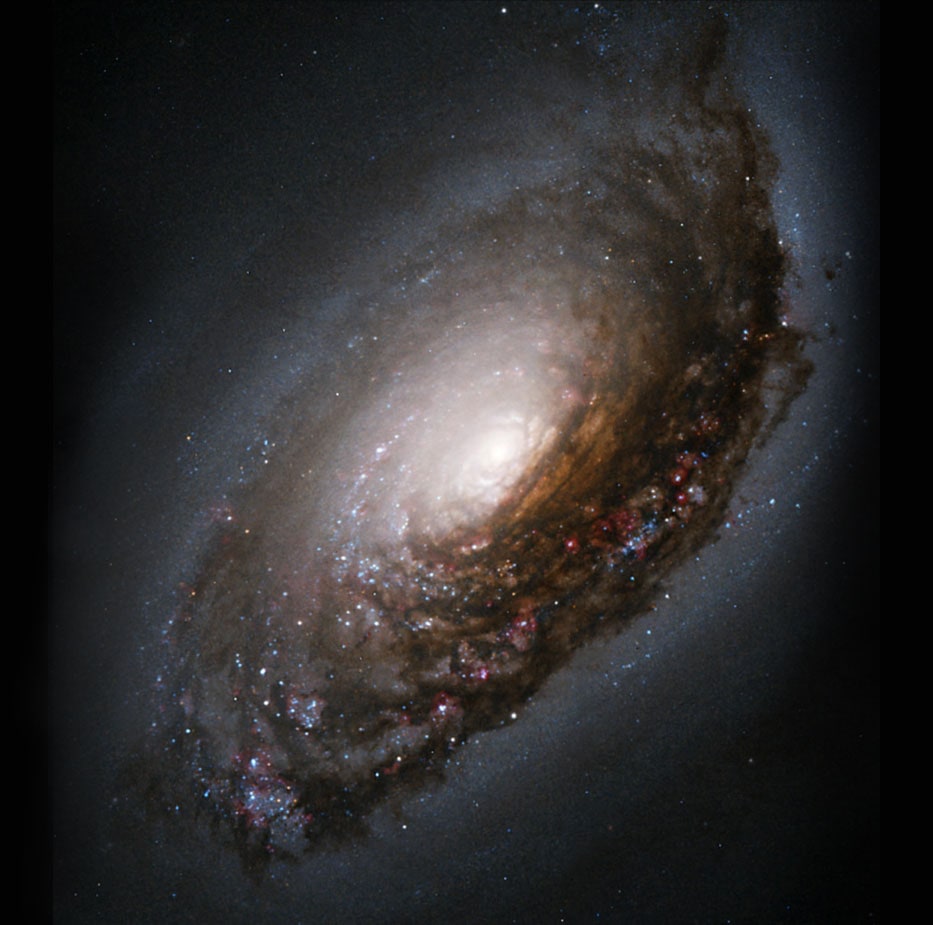
The Voyager service is a true mission of exploration, sending the Celestis spacecraft carrying cremated remains or DNA on a permanent celestial journey, well beyond the Moon.